
Actions Dashboard
Actions can be viewed and configured in the Actions tab of the Admin Panel sidebar.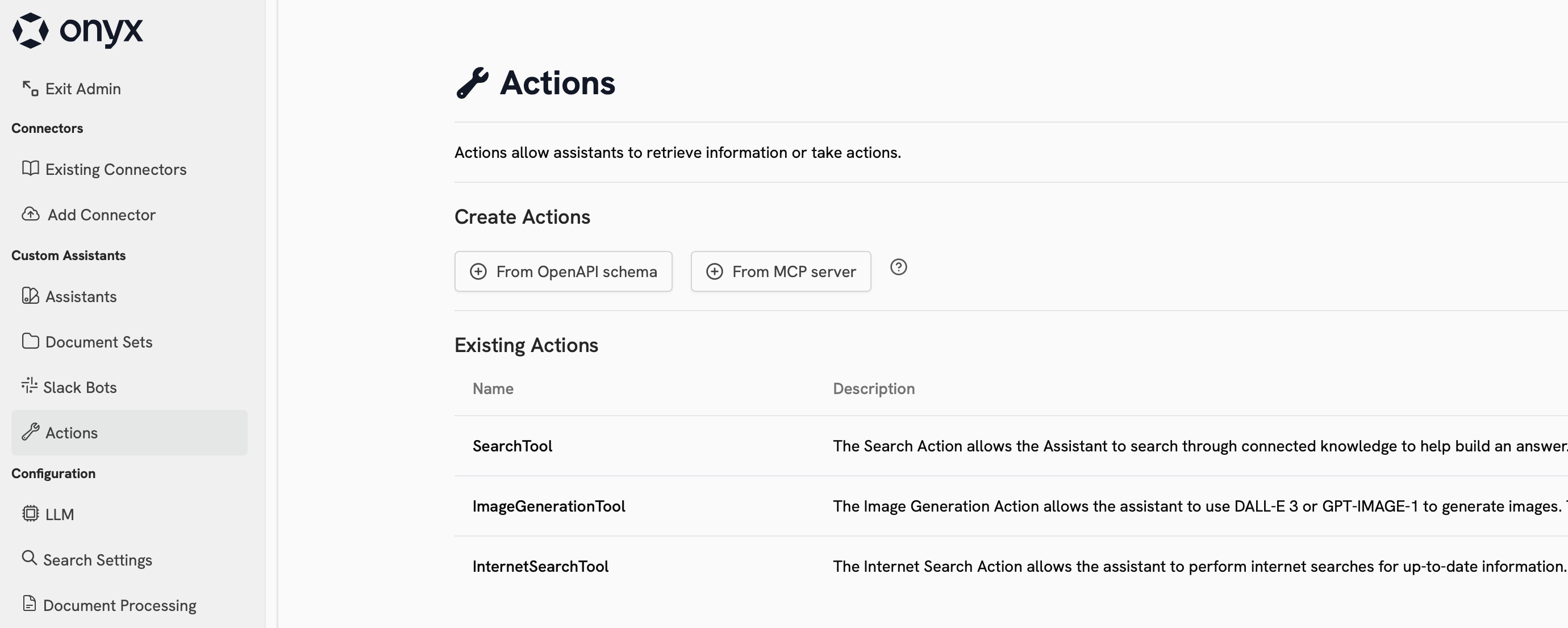
Built-in Actions
Sigma comes with 4 built-in Actions:| Name | Description | Requires Config | Provider Choices |
|---|---|---|---|
| Internal Search | Search through your organization’s indexed documents and knowledge base | Yes | Built-in with swappable components |
| Web Search | Search the internet for real-time information and current events | Yes | Google, Serper, Exa, Firecrawl (optional) |
| Code Interpreter | Execute Python code, analyze data, and generate visualizations | No | Built-in |
| Image Generation | Create images from text descriptions using AI models | Yes | OpenAI, Azure OpenAI |
Custom Actions
You can configure custom Actions in Sigma using Model Context Protocol (MCP) or an OpenAPI specification. Click the cards below to learn more about each option:MCP
Connect Sigma to a Model Context Protocol (MCP) server
OpenAPI Custom Action
Create custom actions in Sigma with an OpenAPI specification
Using Actions
To use an Action, you must configure an Agent to have access to it. Sigma’s built-in Actions are available in the general Chat experience. Once your Agent has access to the action, it will automatically determine when and which Actions to invoke.Next Steps
Configure Web Search
Configure the Web Search Action to use your preferred search provider
Configure an Agent to use your Custom Action
Configure an Agent to use your Custom Action